
1.What's in the box
- PetGeo Tracker
- SIM card
- Collar clip
- Strap
- SIM ejector tool
- Charging cable
- Home Beacon (optional)
Check everything is there when you open the box. Accessories may vary by package.
2.Install or change the SIM
The PetGeo Tracker uses a nano SIM. Don't use cut-down standard SIMs or nano SIMs with an adapter.

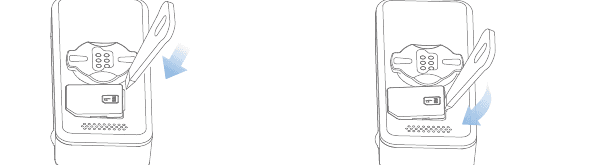
Install: place the SIM in the tray with the gold contacts facing out and slide the tray back into the device.

Change: insert the included tool into the tray hole and push down to remove it; swap the SIM and slide it back in.
3.Turn on and off
Press and hold the device button for 3 seconds to turn it on. Do the same to turn it off.
4.Device lights
| Light | Blinking | Solid | Off |
|---|---|---|---|
| Bluetooth (blue) | Searching | Connected | Inactive |
| Network (green) | Starting | Online | No network or no SIM |
| Base (blue) | No power | Powered | Low battery |
5.Charging
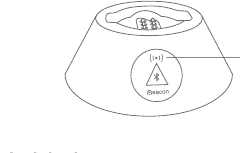
Use a certified 5 V 1 A charger. You can charge with the cable or by placing the device on the Home Beacon.
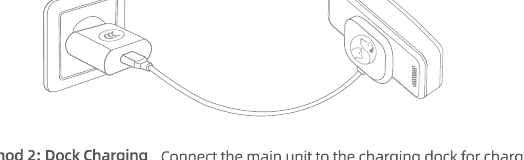
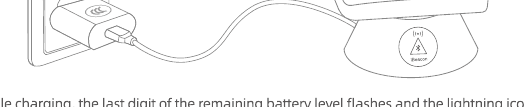
While charging, the last digit of the battery % blinks and the lightning icon stays on.
6.Attach to the collar
The PetGeo Tracker attaches straight to the collar with the E-LOCK clip, without dangling. Thread the collar through the clip, snap the device in until it's firm and check it doesn't come loose with a gentle tug.
7.Get started with the PetGeo app
PetGeo is available on iPhone, Android and on the web at app.petgeo.co.
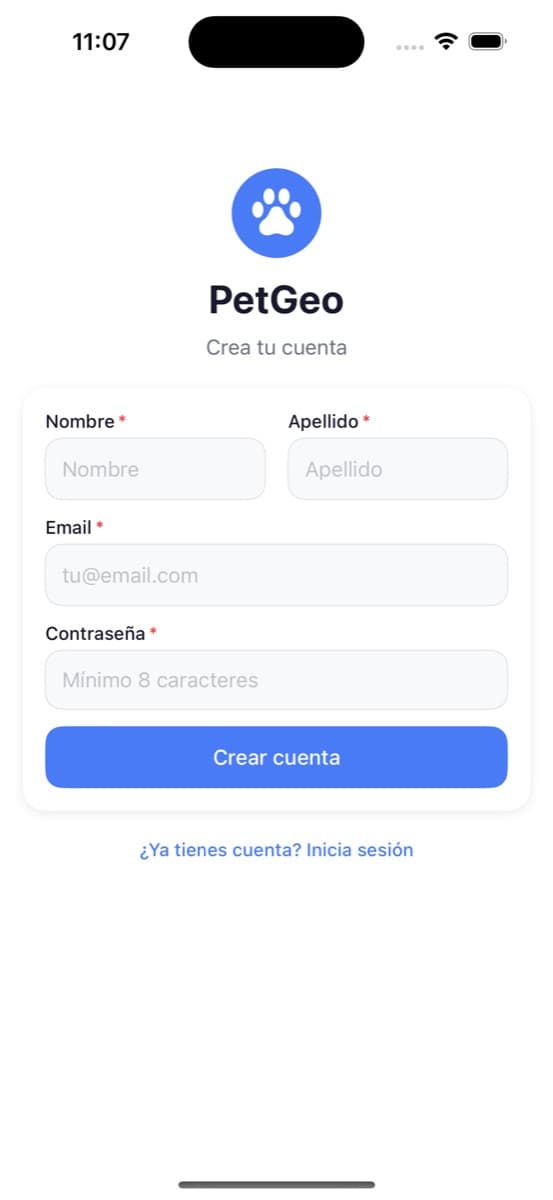
- Create your account with your email.
- Add your pet by scanning the tracker's QR code or typing its number.
- Activate the membership card to get the plan running.
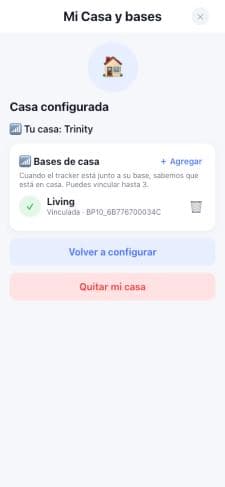
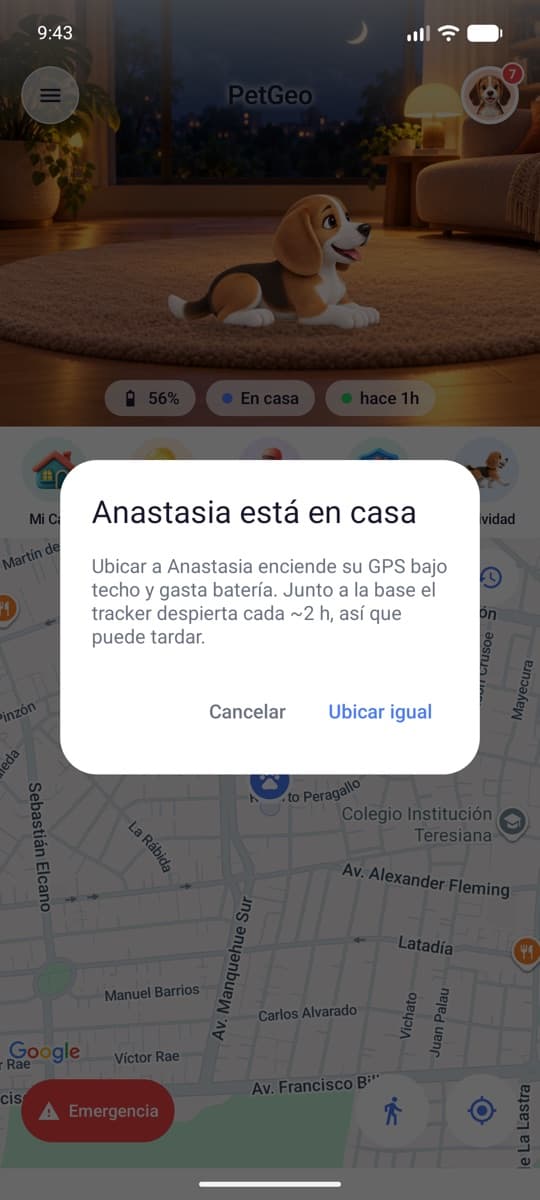
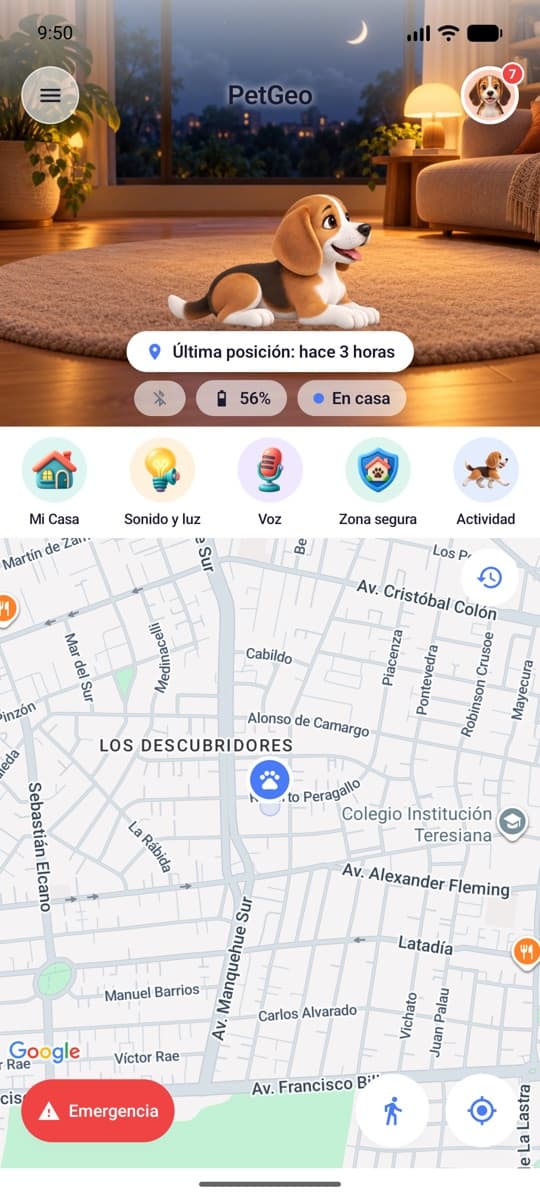
- Set up My Home and the Home Beacon: pair your Home Beacon so PetGeo knows when they're home.
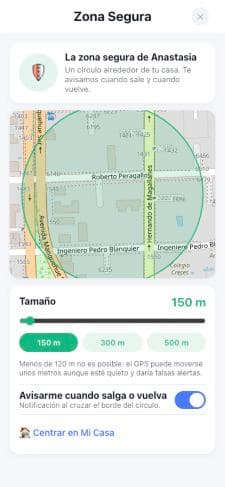
- Create a safe zone to get alerts when they leave or come back.
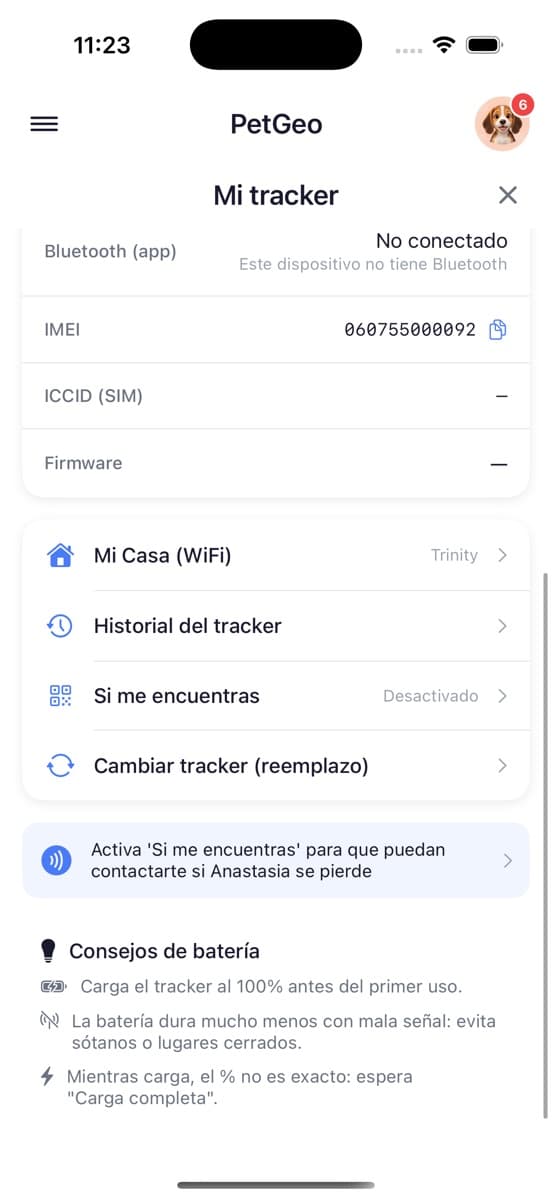
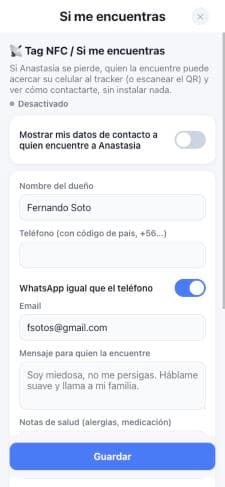
- Fill in “If you find me” with the contact details whoever finds them will see.
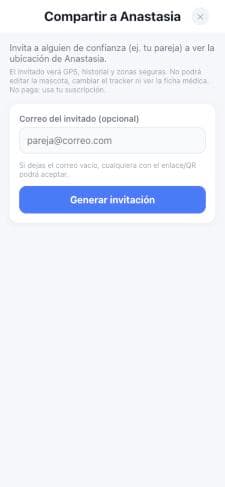
- Share with your family by inviting co-trackers.
8.Troubleshooting
Inaccurate location
- Poor signal: tall buildings, basements or indoor spaces block satellite reception.
- Use the device somewhere with better signal or outdoors.
- A metal layer over the device blocks the satellite signal.
- Move the device.
Won't turn on
- Battery completely drained.
- Charge it.
- SIM incorrectly installed.
- Reinstall the SIM correctly.
Won't connect
- SIM incorrectly installed.
- Check the SIM and install it correctly.
- Dirty gold SIM contacts.
- Clean them with an eraser and try again.
- Invalid SIM or no service.
- Write to soporte@petgeo.co.
- The app can't find the device when pairing.
- Check the tracker number or write to soporte@petgeo.co.
Won't charge
- Uncertified charger.
- Use a certified 5 V 1 A charger.
- Poor contact.
- Make sure the cable or base makes good contact with the device's charging pins.
With little view of the sky or bad weather, GPS may be unavailable for a while; the device may then use other, less accurate location methods.
9.Precautions
- Use it within its operating temperature: -20 °C to 70 °C.
- Don't take it apart or replace the battery yourself.
- Charge only with a certified charger or a computer USB port. The charger isn't waterproof: don't charge in bathrooms or kitchens.
- IP67 protects it from dust and rain, but it isn't made to stay submerged for long.
- Avoid strong impacts. Clean it while off, with a soft, dry cloth.
- Keep it more than 16 cm from pacemakers and turn it off on planes. Don't throw it away with household waste.
10.Contact
Write to us at soporte@petgeo.co.
To help you faster, send a diagnostic from the app: Settings → Send diagnostic.
11.Warranty
The PetGeo Tracker has a 2-year warranty against manufacturing defects, from the date of purchase. Write to soporte@petgeo.co to make a claim.